For teachers
Music games for classroom teachers who still need real learning outcomes
Songcraft gives teachers a practical way to run note reading practice, sight reading reps, and full-class music games without giving up standard notation or useful feedback.
Request a DemoSee The Game- Music games for classroom
- Note reading practice
- General music

Audience fit
Where teachers use Songcraft
The strongest fit is anywhere teachers need more repetition, more engagement, and a clearer picture of student accuracy.
General music classes
Use Songcraft when students are learning note names, reading the staff, and building notation confidence for the first time.
Piano labs and keyboard classes
Students practice independently with looping, tempo control, and repeatable reps while you monitor who needs help.
Modern band and mixed-instrument rooms
Different parts and difficulty levels let students work at different entry points without splitting into disconnected activities.
Assessment-heavy weeks
Per-note scoring helps you see where rhythm, pitch, or timing breaks down instead of relying on completion alone.
Teacher workflow
Built for classroom reality, not ideal conditions
Most teachers need tools that start fast, run in the browser, and work across mixed ability levels. Songcraft was built around that constraint.
- Runs on laptops, tablets, and Chromebooks already in the room.
- Supports short bell-ringer reps or longer practice blocks.
- Lets students practice individually or join synchronized class play.
- Gives teachers a path from warm-up activity to actual intervention data.
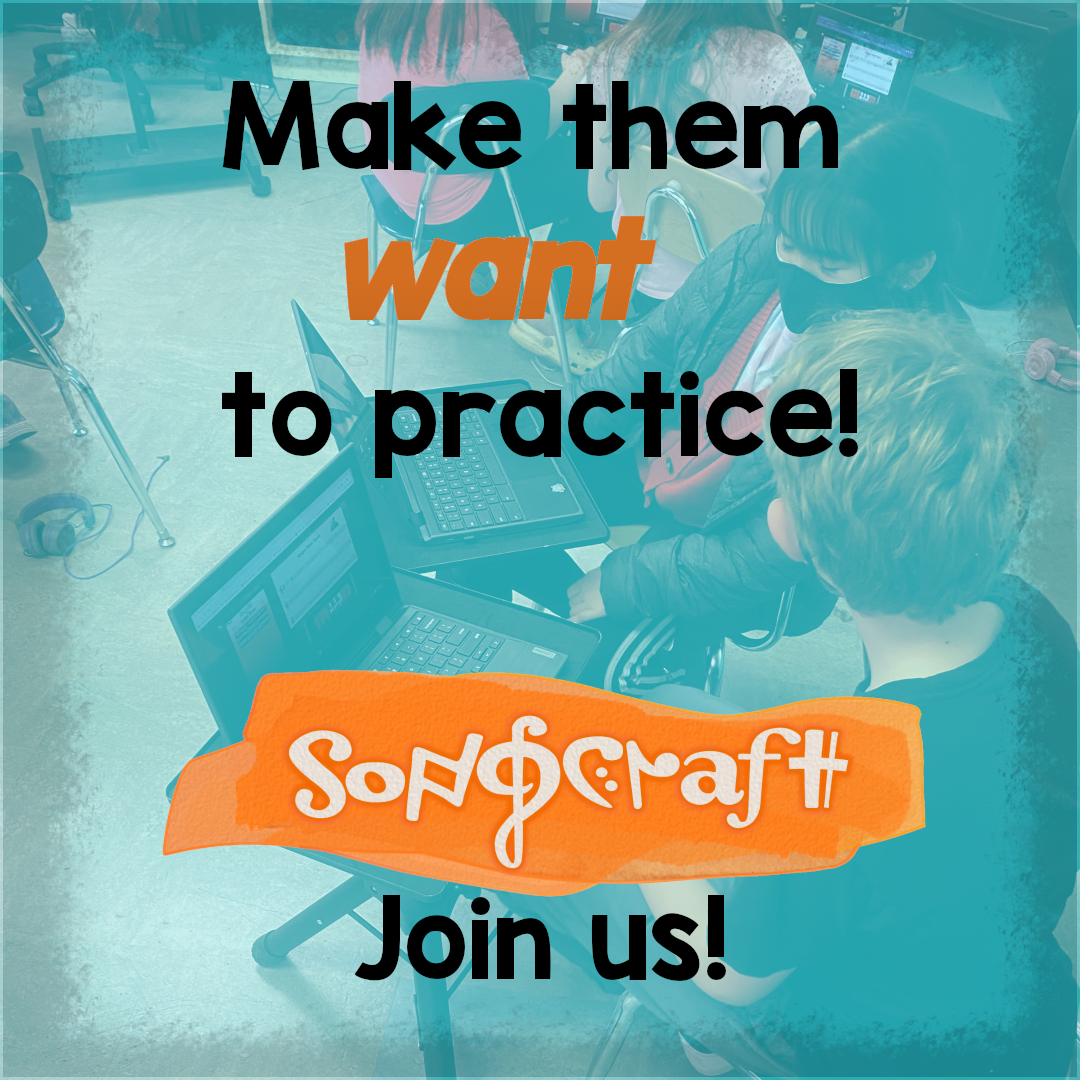
Works with the devices schools already have.
What makes it different
Why Songcraft is more than a one-day activity
Teachers keep tools that save time, fit their sequence, and help students improve beyond the novelty phase.
Standard notation, not abstract prompts
Students build transferable music literacy because the game still uses the notation they need outside the game.
AI song generation
Create custom multi-part songs so your class can practice material that matches your goals and instrumentation.
Memory mode and challenge depth
Move from identification to recall with challenge types that keep practice interesting over time.
Teacher-friendly follow-up
Use missed-note patterns and timing feedback to decide what to reteach next instead of guessing.
Teacher FAQ
Questions teachers ask before they try it
Is Songcraft better for general music or performance classes?
It can support both, but the best early fit is anywhere students need stronger note reading practice, sight reading reps, and differentiated challenge levels.
Does it work on Chromebooks and mixed device classrooms?
Yes. Songcraft is browser-based, which makes it a better fit for classrooms that rely on existing student devices.
Can I use it for full-class activities, not just solo practice?
Yes. Teachers can run synchronized class play sessions in addition to independent practice.
Next step
Planning a pilot, demo, or launch for your school?
Tell us your grade levels, devices, and class setup. We'll show you the best first use case for Songcraft.